GRC Metrics Dashboard

Executive GRC Metrics Dashboard
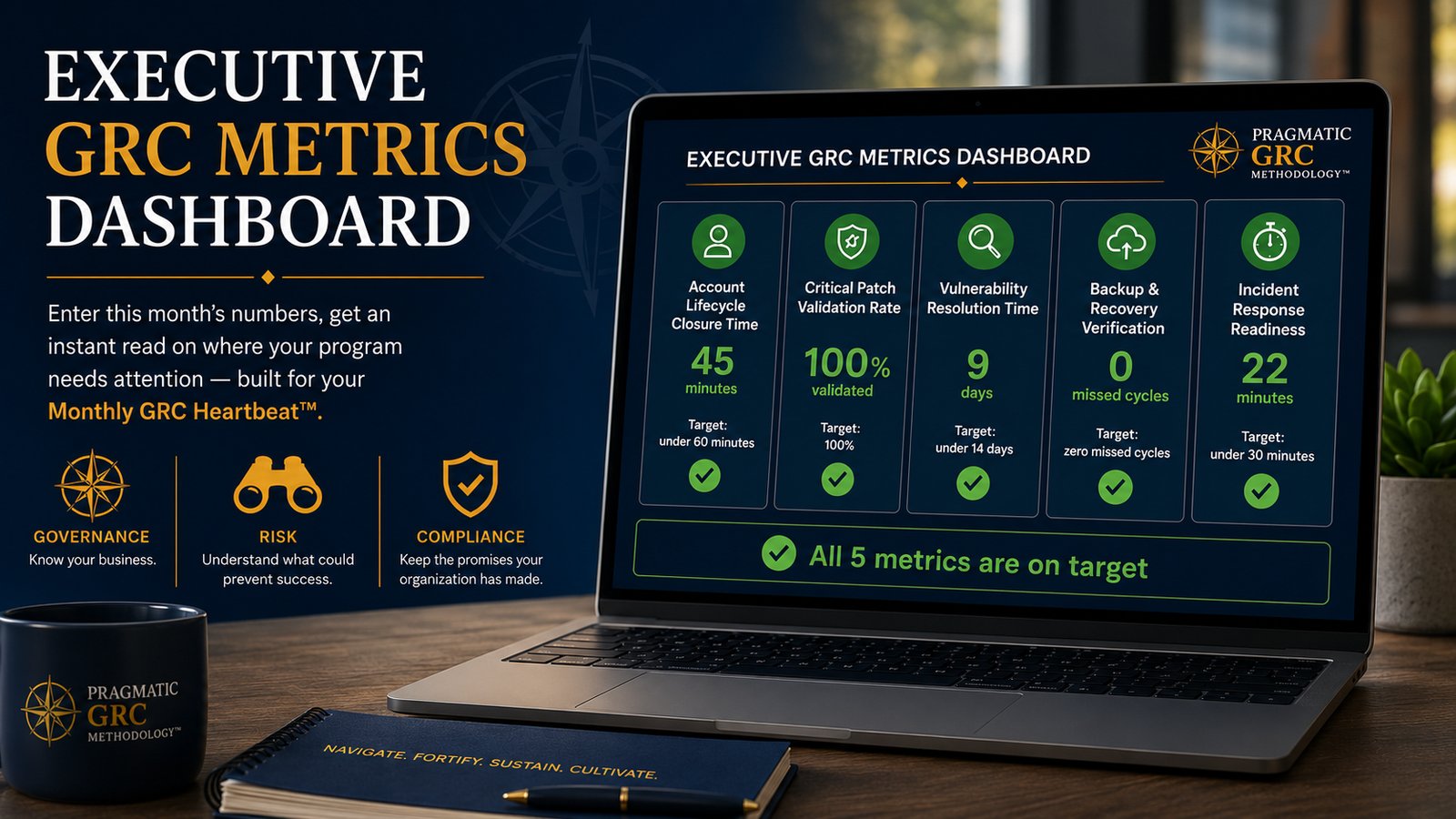
Enter this month’s five numbers. Each one turns green, yellow or red as you type, and you get a ready-made agenda for your Monthly GRC Heartbeat™.
·
Enter your five numbersYour status updates as you type.
Remembers this month’s numbers in this browser only, so next month each metric shows whether it improved or slipped. Nothing is sent to us. Use Export for a permanent record.
Seeing a lot of red?Get a dated 90-day plan to fix the gaps, with templates.
Build my roadmap → Check the bigger pictureScore your business across all five GRC pillars.
Take the assessment →
Want the Full Picture Behind These Numbers?
Chapter 6 explains why each of these five metrics matters, how to source the data with zero extra reporting overhead, and how to run the Monthly GRC Heartbeat™ that keeps this dashboard current.
Get the Book → Talk to an Advisor →Generated at pragmaticgrc.com/metric-dashboard · Thresholds from Chapter 6 of The Pragmatic GRC Methodology™ for SMBs by Dr. Chris B. Young